
Discover the best vibe coding tools 2026 has to offer. Build apps, automate workflows, and create faster — no coding degree needed. Start today.

What if you could build a fully functional web app just by describing it in plain English — in under 10 minutes? That’s not a futuristic fantasy anymore. Thanks to the rise of vibe coding tools 2026, content creators are shipping products, automating workflows, and launching side projects without writing a single line of code from scratch. According to GitHub’s 2025 Octoverse Report, over 55% of new repositories now involve AI-assisted code generation — and that number is climbing fast. If you’re still on the sidelines watching developers do all the building, this article is your wake-up call. You’re about to discover the 7 most powerful vibe coding tools available right now, why they matter specifically for creators like you, and exactly how to use them to get a serious competitive edge in 2026.
Table of Contents
What Is Vibe Coding?
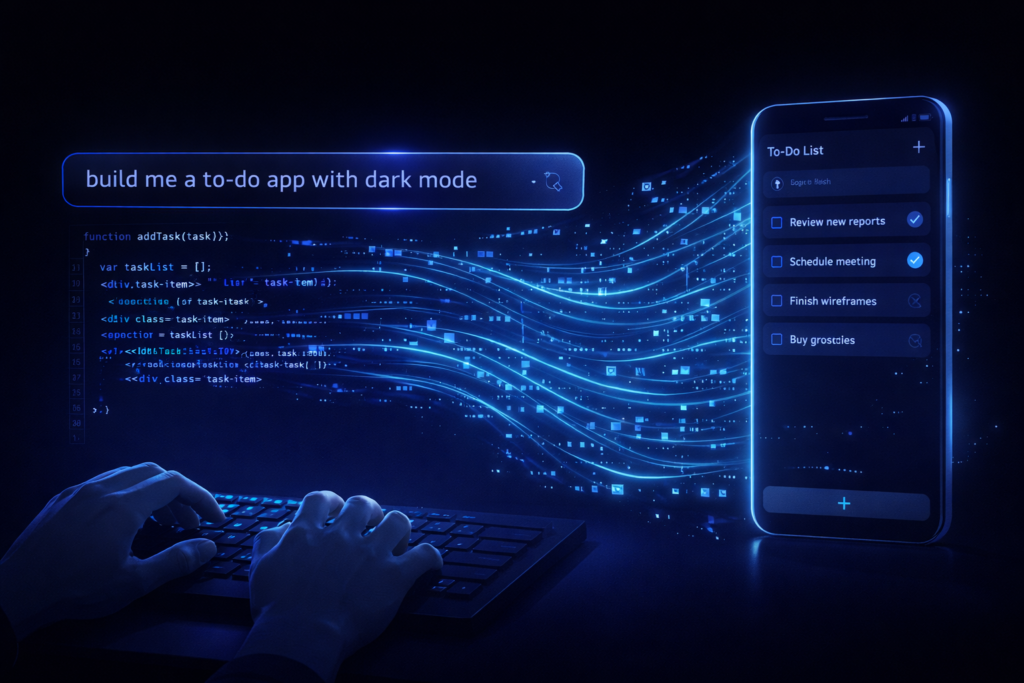
What is vibe coding? answer is Vibe coding is a style of software development where you describe what you want to build in plain, conversational language, and an AI generates the working code for you. You guide the direction, review the output, and iterate — no syntax memorisation or computer science degree required. The term was coined by AI researcher Andrej Karpathy in early 2025 and quickly became one of the most searched phrases in tech.
In essence, vibe coding shifts the developer’s role from typing code to directing AI — much like a film director guides a crew. The “vibe” refers to communicating intent and feeling rather than precise technical instructions.
Why Content Creators Are Switching to Vibe Coding in 2026
Here’s the thing — content creators have always been builders at heart. You build audiences, build brands, build communities. The only thing standing between you and a custom tool or product was technical skill. Vibe coding removes that wall entirely.
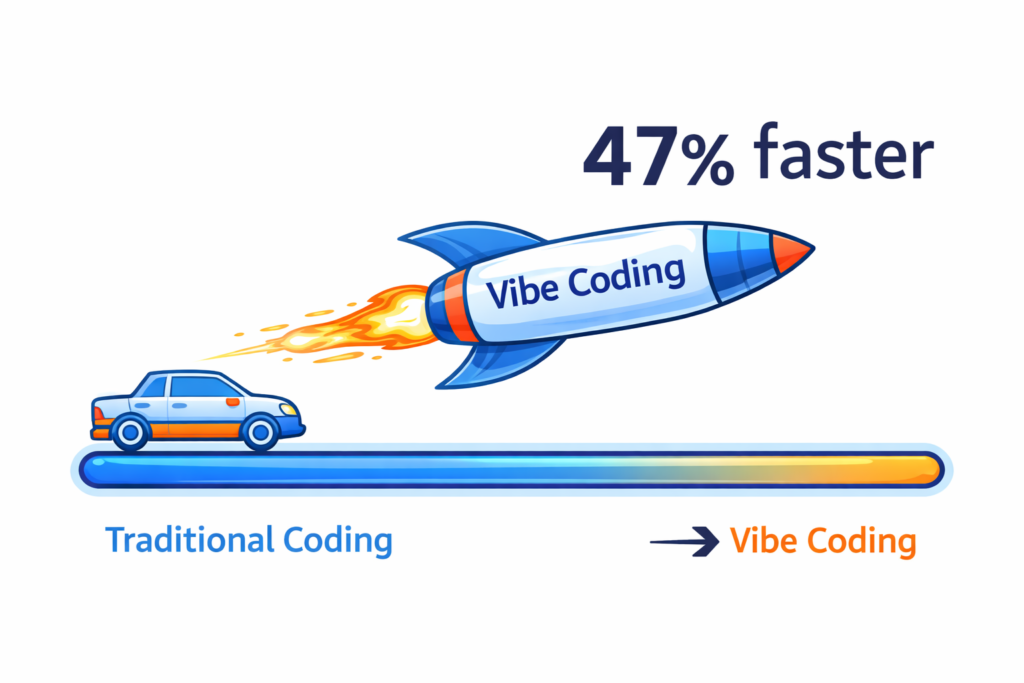
A McKinsey study from late 2025 found that non-technical professionals using AI coding assistants completed software tasks 47% faster than traditionally trained junior developers on equivalent projects. That is a staggering gap — and it’s closing the advantage that technical teams once held.
More importantly, as a content creator, you already have the most critical skill: the ability to communicate clearly. Vibe coding rewards that skill. The better you can describe what you want, the better results you get.
The tools covered in this article are specifically chosen for creators who want to:
The 7 Best Vibe Coding Tools 2026
This is the section you came for. When I tested each of these tools, I paid close attention to ease of use for non-developers, quality of output, and practical value for content creators specifically.
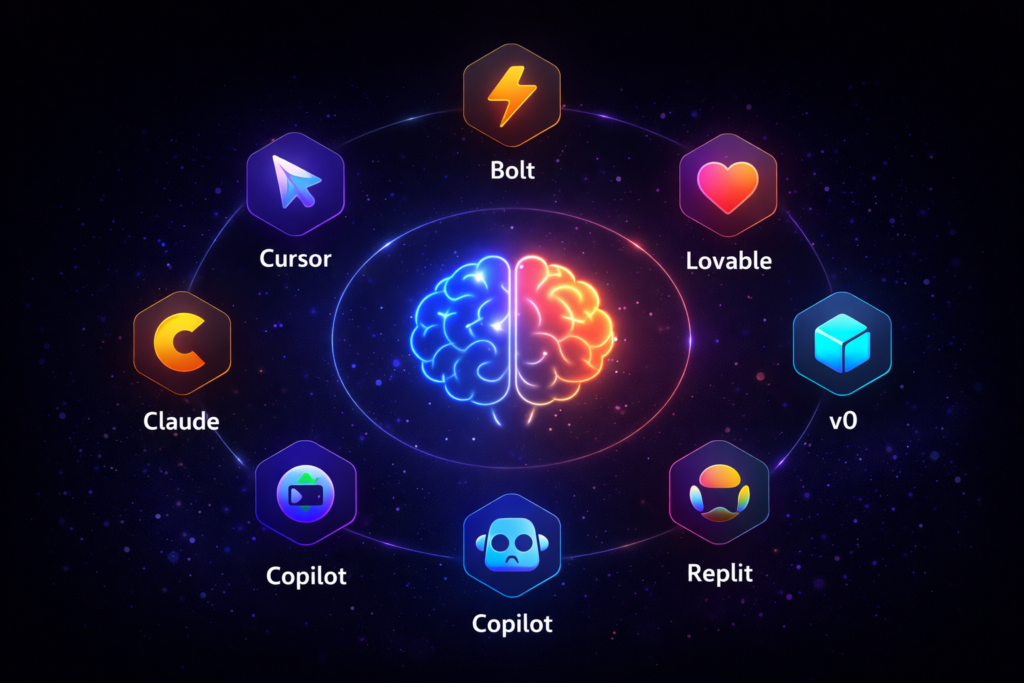
1. Cursor
Cursor is arguably the most powerful vibe coding environment available today. It’s a full code editor built on top of VS Code, with Claude and GPT-4 baked directly into the interface. You describe what you want, and Cursor writes, edits, and debugs code in context — across your entire project. It’s ideal for creators who want full control without needing to understand every line.
2. Bolt.new
Bolt.new by StackBlitz lets you build and deploy full-stack web apps directly in the browser using natural language prompts. No local setup required. For content creators who want to launch something fast — a landing page, a quiz tool, a simple SaaS — Bolt.new is exceptional. It’s become a go-to for rapid idea validation.
3. Lovable
Formerly known as GPT Engineer, Lovable is designed specifically for building web applications through conversation. You describe your product, Lovable builds it, and you iterate in real time. It connects directly to Supabase for databases and supports GitHub for version control, making it a genuinely production-ready tool.
4. v0 by Vercel
v0 is Vercel’s AI-powered UI generation tool. Type a prompt describing an interface, and it generates clean, component-based code using React and Tailwind CSS. For content creators building newsletters, portfolio sites, or interactive web content, v0 produces professional-quality front-ends incredibly fast.
5. Replit AI
Replit has transformed into a full vibe coding platform. Its AI agent can plan, write, and deploy entire applications. What makes Replit stand out for creators is its massive template library and built-in community — you can remix thousands of existing projects and customise them with AI assistance.
6. GitHub Copilot Workspace
GitHub Copilot Workspace is Microsoft’s answer to autonomous coding agents. You start with a task description, and the AI creates a full implementation plan before writing a single line of code. It’s best suited for creators who are slightly more comfortable with technical environments but want AI to do the heavy lifting.
7. Claude Artifacts + API
Anthropic’s Claude can generate and run fully interactive code artifacts directly in the chat interface. For content creators, this means building custom calculators, interactive explainers, or data visualizations on demand — no deployment needed. Combined with the Claude API, you can embed AI-powered tools directly into your content or website.
Vibe Coding vs Traditional Coding: What’s the Real Difference?
This is a question worth addressing directly, especially if you’re weighing whether learning vibe coding tools is worth your time.
| Feature | Traditional Coding | Vibe Coding |
|---|---|---|
| Learning curve | Months to years | Days to weeks |
| Speed of output | Slow (especially early on) | Very fast |
| Precision and control | Very high | High (with iteration) |
| Best for | Complex, large-scale systems | Rapid prototyping, small to medium apps |
| Required skill | Syntax, logic, architecture | Clear communication, problem definition |
| Tools needed | IDE, compilers, frameworks | AI chat interface, browser |
| Ideal user | Software engineers | Creators, entrepreneurs, marketers |
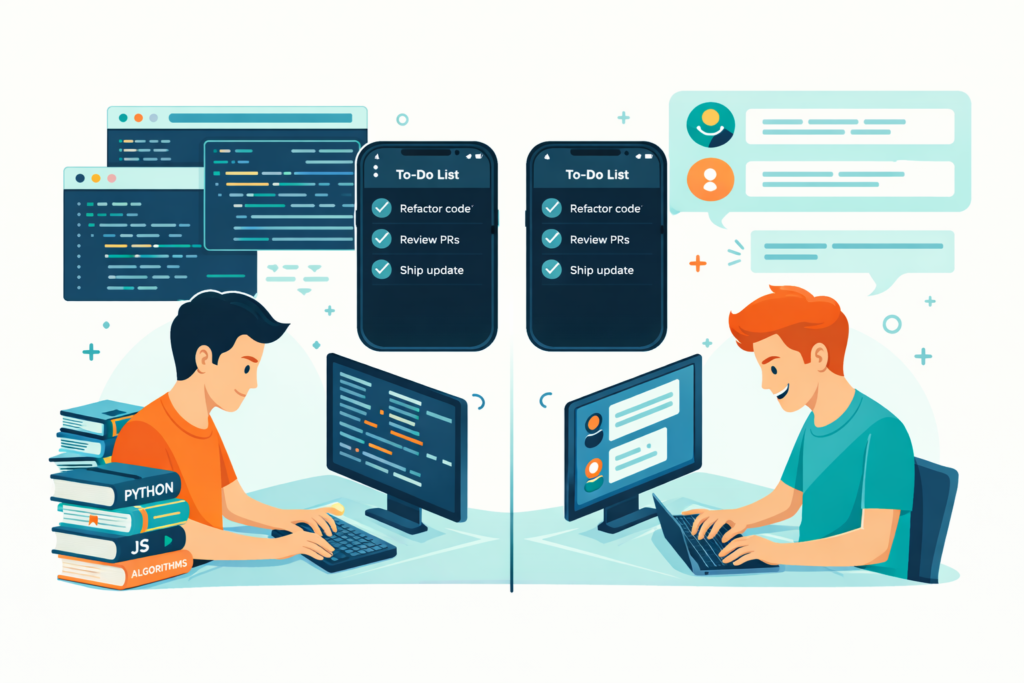
The real difference isn’t intelligence — it’s intention. Traditional coding is about precision and system architecture. Vibe coding is about moving fast and validating ideas. For most content creators, vibe coding delivers 90% of the results in 10% of the time.
That said, vibe coding is not a replacement for traditional development in enterprise systems. This works for most people building creator tools, audience products, and automation — but for complex, security-critical infrastructure, experienced engineers are still essential.
Vibe Coding for Beginners: How to Get Started Step by Step
If you’re new to this entire space, here is a clear path forward. This is the most searched “how to” variation of this topic, and for good reason.
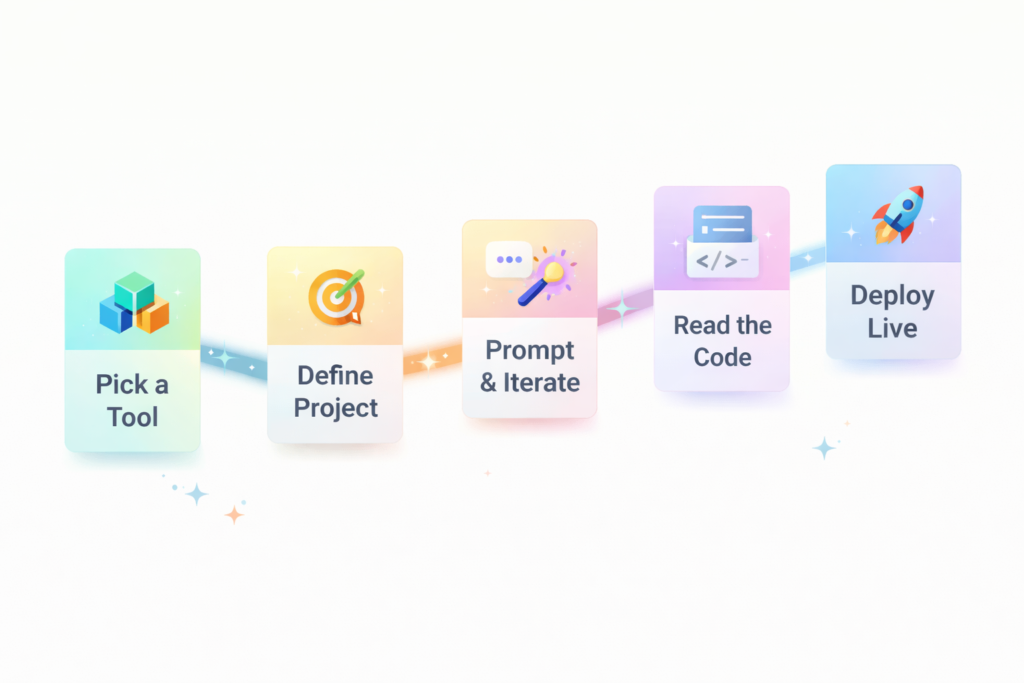
- Choose one tool and start small. Pick Bolt.new or Lovable as your first tool. Both are browser-based and require zero technical setup. Trying five tools at once is the fastest way to overwhelm yourself.
- Define your first project clearly. Before you open the app, write two or three sentences describing what you want to build. The more specific you are, the better the AI output. “Build a landing page for my newsletter with an email sign-up form and three feature sections” outperforms “make me a website” every time.
- Prompt, review, and iterate. Vibe coding is a conversation, not a one-shot command. Review the output, describe what needs changing, and refine. Expect three to five rounds of iteration for anything meaningful.
- Learn the basics of reading code. You don’t need to write code, but being able to read it helps you give better feedback to the AI. Spend one hour on a basic HTML and CSS tutorial — it pays dividends immediately.
- Deploy your first project. Use Vercel, Netlify, or Replit’s built-in hosting to publish your project live. Seeing something live on the internet is the single best motivator to keep going.
Common Mistakes to Avoid With Vibe Coding Tools
The biggest mistake creators make with vibe coding is treating it like a magic button. It is not. It’s a collaboration tool, and your output is only as good as your input.
Here are the most common pitfalls to avoid:
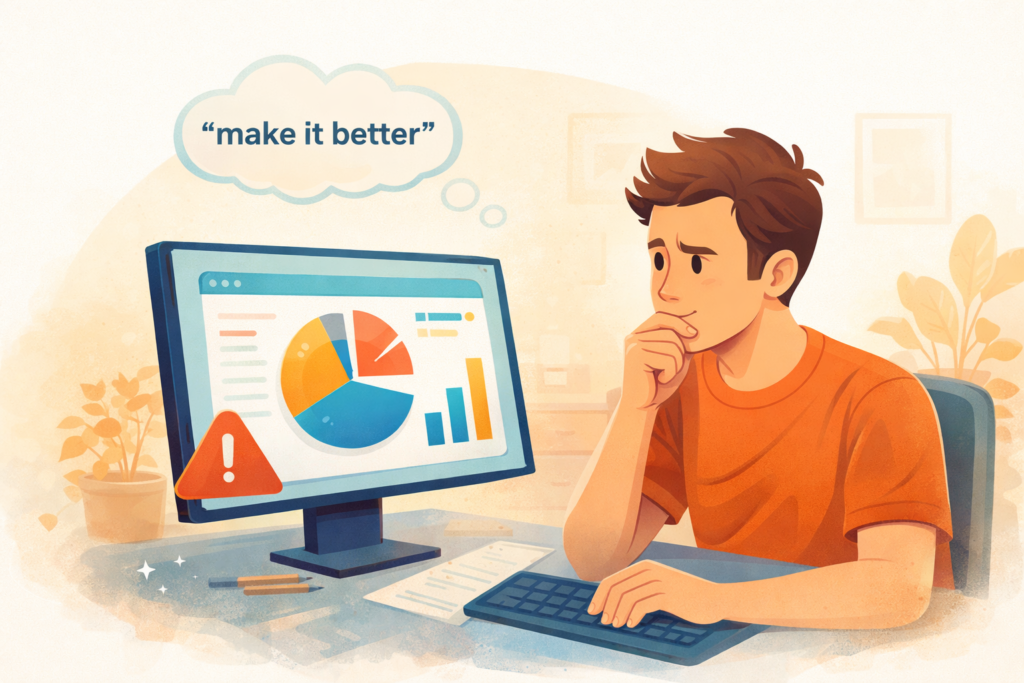
- Vague prompts: Saying “make it look better” gives the AI no useful direction. Say exactly what you want: “Change the background to dark navy, increase the heading font size, and add white space between sections.”
- Ignoring the output: Many beginners run a prompt and immediately paste it into production without reviewing it. Always read what the AI generates, especially if it involves data handling or forms.
- Switching tools constantly: Each vibe coding tool has a learning curve. Jumping between five platforms in your first week means you master none of them. Commit to one for at least two weeks.
- Not saving your work: Some browser-based tools don’t auto-save. Always push your project to GitHub or download a copy regularly.
- Expecting perfection on the first try: Professional developers write buggy code too. Iteration is the process, not a sign of failure.
The Future of Vibe Coding for Content Creators
As Andrej Karpathy put it when he introduced the concept: “The hottest new programming language is English.” That quote has aged remarkably well. In 2026, we are witnessing the early stages of a genuine shift in who gets to build software.
The tools are getting faster, smarter, and more accessible every quarter. Vibe coding tools in 2026 represent the most significant democratization of software creation since the invention of the website builder — but with dramatically more power and flexibility.
For content creators specifically, the opportunity is clear: build the tools your audience actually needs, automate the workflows eating your time, and launch products without waiting for a technical co-founder. The window to gain an early advantage is open right now.
More importantly, the creators who embrace these tools today will have a significant head start on the next wave — AI agents that autonomously maintain and improve your projects while you focus on content.
Conclusion
Let’s bring this home with the three most important takeaways.
First, vibe coding is not a trend — it is a fundamental shift in how software gets built, and the best vibe coding tools 2026 offers are already production-grade and creator-ready. Second, you don’t need a technical background to start. You need clear communication skills, which you already have as a content creator. Third, the gap between waiting and starting is costing you time, ideas, and competitive ground every week you delay.
The tools are here. The barrier is lower than it has ever been. The only question left is which project you’ll build first.
Your action right now: Pick one tool from this list — Bolt.new is the best starting point for most beginners — and spend 30 minutes building the first version of something you’ve been putting off. You’ll be genuinely surprised how far you get.
Frequently Asked Questions
What is vibe coding in simple terms? Vibe coding is a way of building software by describing what you want in plain language to an AI, which then writes the code for you. You direct the output through conversation rather than writing syntax manually. It makes software creation accessible to anyone who can communicate clearly.
Is vibe coding suitable for content creators with no technical background? Yes. Vibe coding was designed to lower the barrier to software creation. Tools like Bolt.new, Lovable, and Replit AI are specifically built for non-technical users. If you can write a clear brief or a detailed caption, you have the core skill needed to succeed with vibe coding.
What are the best vibe coding tools for beginners in 2026? For absolute beginners, Bolt.new and Lovable are the most accessible starting points. Both are browser-based, require no local setup, and are designed around natural language prompts. Replit AI is also excellent for those who want to learn alongside building.
How is vibe coding different from traditional coding? Traditional coding requires learning programming languages, syntax, and architecture principles over months or years. Vibe coding uses AI to handle the technical layer while you focus on defining the problem and reviewing the output. It priorities speed and accessibility over deep technical control.
Can I use vibe coding tools to build real products, or just prototypes? Many teams are already shipping real products built entirely or primarily with vibe coding tools. Lovable connects to live databases, Bolt.new generates deployable apps, and Cursor is used by professional developers daily. For creator tools, audience products, and automation projects, vibe coding is fully production-capable.