
Learn how to use AI agents at work to save hours every week. Real strategies, real tools, and agentic AI examples 2026 creators are using right now. Start today.

Table of Contents
Introduction
Your competitor just automated 20 hours of weekly work — research, outreach, scheduling, drafting, and reporting — using a single AI agent running in the background. While they’re creating more, you’re still doing it manually. Knowing how to use AI agents at work is no longer a technical advantage reserved for software engineers. It’s become the defining productivity edge of 2026. According to Gartner, by the end of 2026, over 80% of enterprise workflows will involve at least one autonomous AI agent operating without constant human supervision. That number was under 20% just two years ago. This article will show you exactly how to deploy AI agents in your daily work as a content creator — practically, strategically, and without needing a computer science degree.

What Is Agentic AI? (The 60-Second Explanation)
Agentic AI refers to artificial intelligence systems that can independently plan, make decisions, take actions, and complete multi-step tasks — without needing a human to guide every single step. Unlike a standard AI chatbot that responds to one prompt at a time, an AI agent sets its own sub-goals, uses tools, browses the web, writes files, and loops until the job is done.
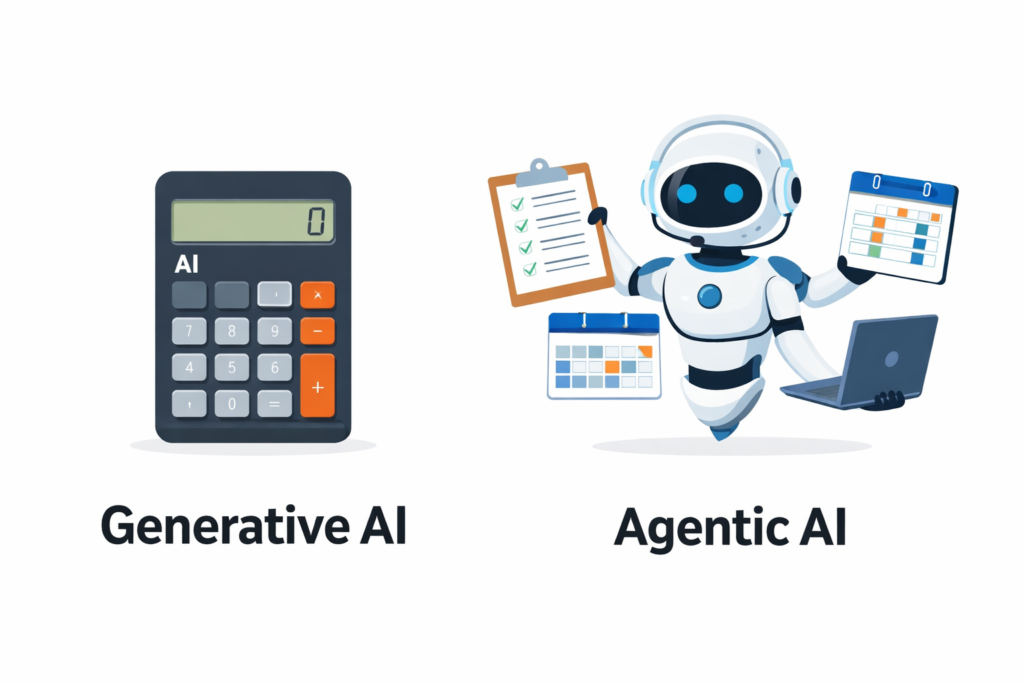
Think of it like the difference between a calculator and a personal assistant. A calculator does exactly what you press. A personal assistant understands the goal, figures out the steps, and handles it — asking for input only when genuinely needed.
Agentic AI is the personal assistant version of AI. And in 2026, you can have one working for you today.
Agentic AI vs Generative AI: Why the Difference Matters for You
This is one of the most searched comparisons right now, and it’s worth getting clear on — because confusing the two leads to using the wrong tool for the job.
| Feature | Generative AI | Agentic AI |
|---|---|---|
| What it does | Produces content from a single prompt | Plans and executes multi-step tasks autonomously |
| Human involvement | Required at every step | Minimal — sets it and monitors |
| Memory | Usually limited to one conversation | Persistent across sessions |
| Tool use | Rare or basic | Core capability (web, files, APIs) |
| Best for | Drafting, ideation, summarising | Workflows, automation, research pipelines |
| Examples | ChatGPT, Claude chat, Gemini | AutoGPT, Claude agents, Devin, n8n + AI |
| Speed | Fast per output | Fast across an entire workflow |
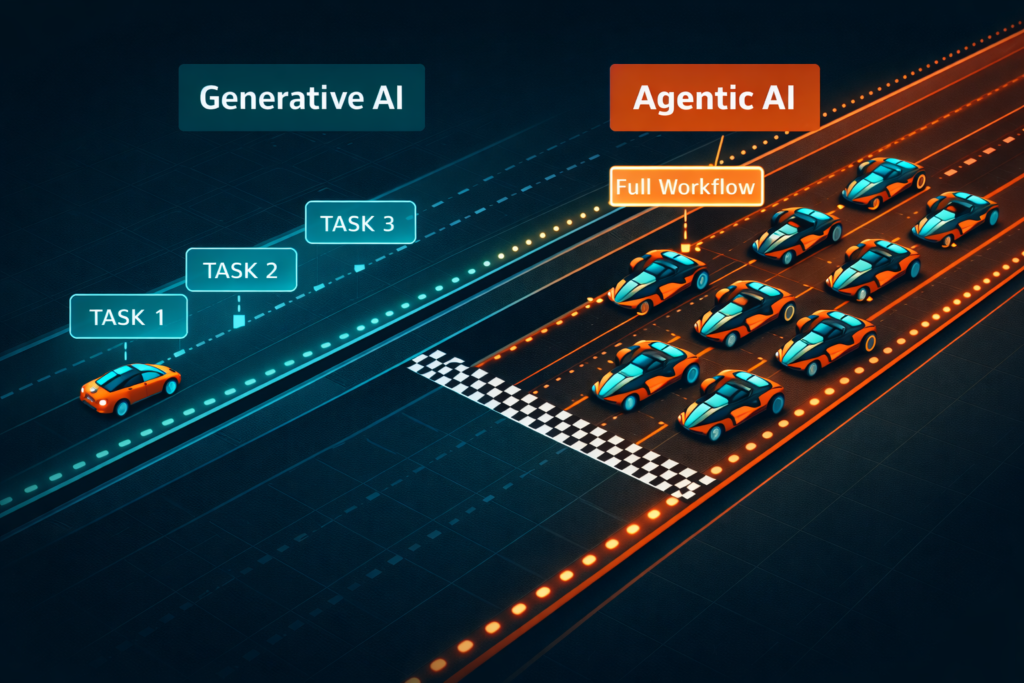
The key insight is this: generative AI makes you faster at individual tasks. Agentic AI removes entire categories of tasks from your plate. For content creators managing content calendars, audience research, publishing, and outreach simultaneously, that distinction is enormous.
That said, generative AI is still where most agentic workflows begin — you need strong prompts and clear instructions to set an agent up well.
Why Content Creators Specifically Need AI Agents in 2026
Here’s the thing — content creation has never been just about creating content. The actual act of writing, filming, or recording typically accounts for less than a third of a creator’s working week. The rest is research, admin, distribution, analytics, community management, and pitching.
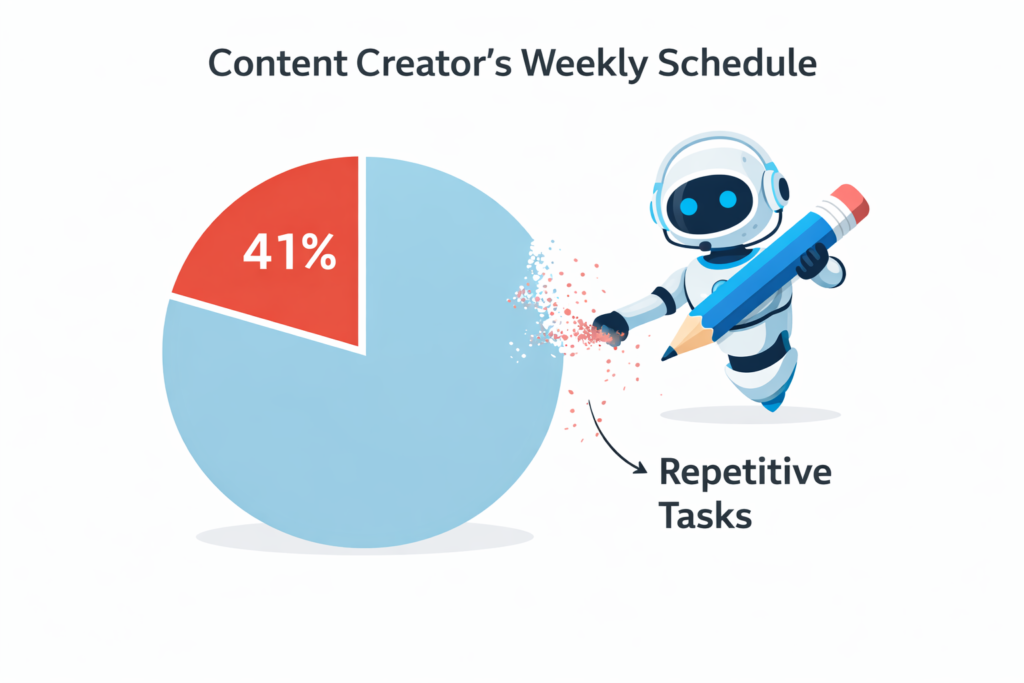
A McKinsey report from early 2026 found that knowledge workers spend an average of 41% of their time on repetitive, low-value tasks that could be automated with existing AI tools. For content creators, that figure is likely even higher.
More importantly, the creators who are pulling ahead in 2026 are not necessarily producing better content. They’re producing more consistently, responding faster, and operating with systems their competitors haven’t built yet. AI agents are those systems.
In my experience testing these tools with creator workflows, the single biggest shift happens when you stop thinking about AI as a writing assistant and start thinking about it as a workflow engine. That mental reframe changes everything.
How to Use AI Agents at Work: 9 Proven Strategies
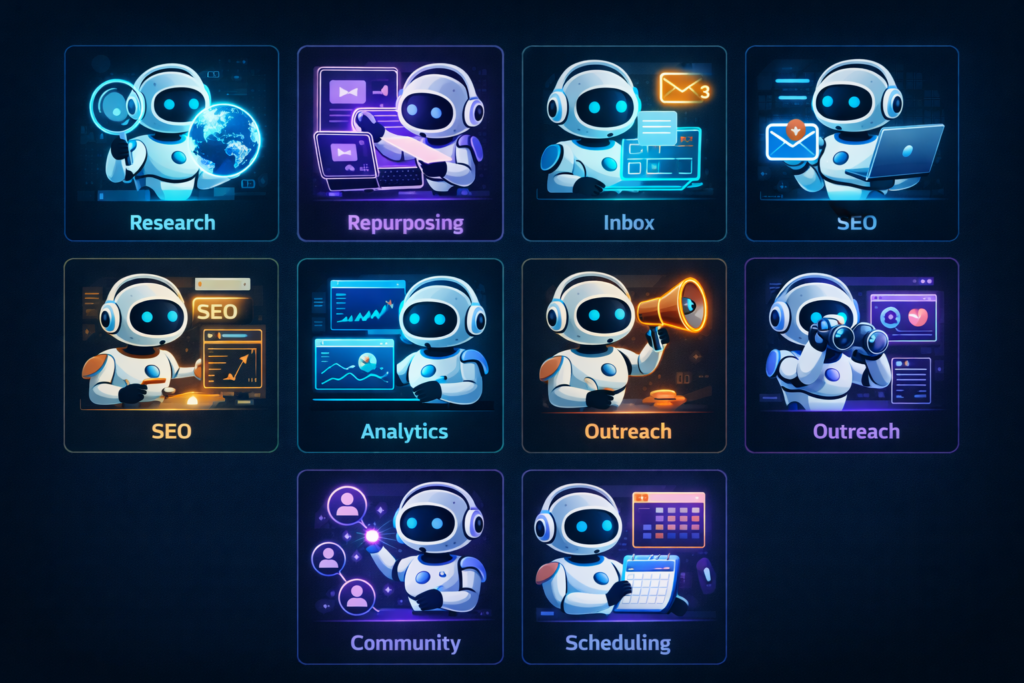
This is the practical core of everything. Each of the following strategies has been applied by real creators and professionals in 2026 — not theoretical use cases, but active workflows you can replicate today.
1. Automated Research and Content Briefing
Set up an AI agent to monitor your niche daily — scanning RSS feeds, Reddit threads, industry newsletters, and Google Trends — and deliver a morning briefing with the top 10 topics worth covering. Tools like Perplexity AI’s agent mode, Claude with web search, and n8n workflows can handle this entirely autonomously.
The result: You start every morning with a fully researched content brief instead of spending an hour figuring out what to create.
2. Multi-Platform Content Repurposing
Record or write one piece of long-form content, then set an AI agent to automatically repurpose it into a Twitter/X thread, LinkedIn post, newsletter section, YouTube description, and short-form video script. Tools like Zapier AI, Make (Integromat), and purpose-built repurposing agents handle this without you touching a keyboard.
This is one of the highest-leverage uses of agentic AI for creators — one input, five outputs.
3. Inbox and Outreach Management
AI agents can monitor your email or DMs, categorise messages by priority, draft personalised responses to common enquiries, and flag anything that genuinely needs your attention. Tools like HubSpot’s AI agent, Clay for outreach automation, and custom GPT agents connected via Gmail API are handling this for thousands of creators already.
4. SEO Research and Optimisation Pipeline
Build an agent that takes a topic, runs keyword research via Ahrefs or SEMrush APIs, pulls the top-ranking articles, identifies content gaps, and delivers a complete SEO brief — automatically. What used to take two hours of manual research now runs overnight while you sleep.
5. Analytics Reporting and Insight Generation
Connect your analytics platforms (YouTube Studio, Google Analytics, social dashboards) to an AI agent that pulls weekly data, identifies trends, and writes a plain-English performance report with recommended actions. No more spending Sunday evenings decoding spreadsheets.
6. Sponsorship and Brand Deal Research
Define your audience profile and content niche, then let an agent research potential brand partners, find contact details, draft personalised outreach emails, and track responses in a CRM. Clay and Apollo.io combined with AI agents are making this possible at scale for solo creators.
7. Community and Comment Management
AI agents can monitor YouTube comments, Instagram replies, and Discord channels — flagging genuine questions, filtering spam, drafting response suggestions, and even auto-responding to FAQs based on your pre-approved answer library.
8. Content Calendar Planning and Scheduling
Give an AI agent your content strategy document, your audience data, and your publishing goals. Ask it to generate a 30-day content calendar with topic ideas, formats, posting times, and platform-specific variations — then push it directly into your scheduling tool via API.
9. Competitive Intelligence Monitoring
Set an AI agent to track competitor content, new product launches, pricing changes, and audience sentiment across platforms. Get a weekly digest summarising what’s working in your niche and where the gaps are — without spending a single minute on manual research.
Agentic AI Examples 2026: Real Tools Worth Using
Knowing the strategy is one thing. Knowing which tools actually deliver in 2026 is another. Here are the most reliable agentic AI platforms available right now:
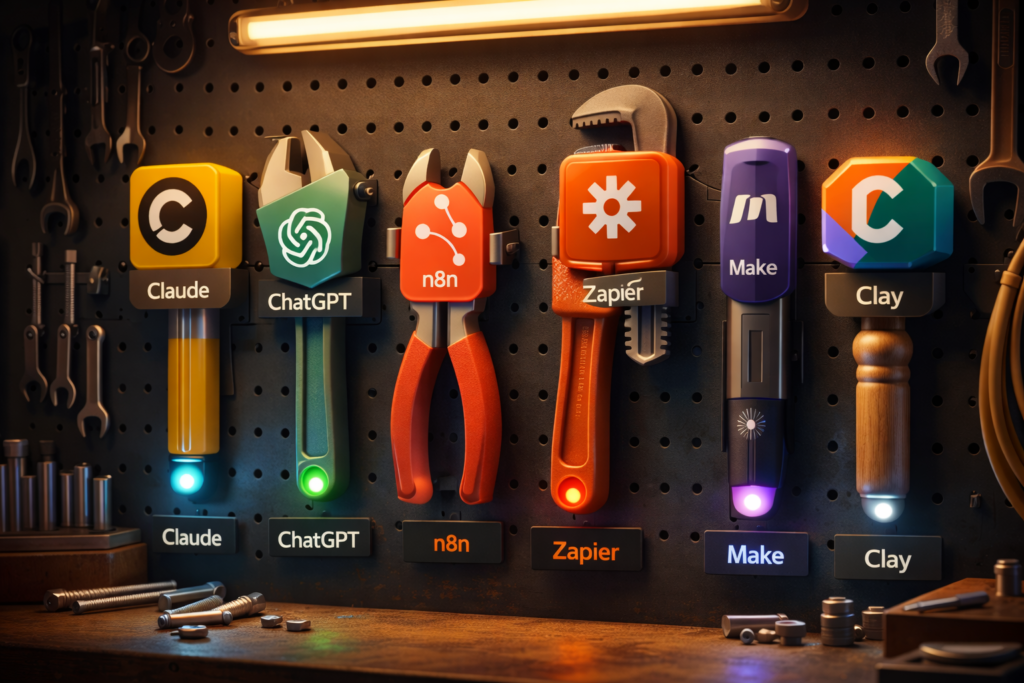
- Claude (Anthropic) — Best for complex reasoning, long-document tasks, and building custom agent workflows via API or Claude.ai Projects
- ChatGPT with Operator mode — Strong for browser-based tasks, form filling, and web navigation
- n8n + AI nodes — Most flexible open-source automation platform; connect any AI model to any tool
- Zapier AI agents — Best for creators already using Zapier; easiest no-code entry point into agentic workflows
- Devin (Cognition AI) — Specialised software development agent; powerful for creators building their own tools
- Perplexity AI agents — Best for research-heavy workflows requiring real-time web data
- Make (Integromat) with AI modules — Excellent visual workflow builder with strong AI integration support
- Clay — Purpose-built for outreach automation and contact enrichment with AI
The honest truth is that no single tool does everything well. Most effective creator stacks in 2026 combine two or three of these — typically a reasoning model like Claude or GPT-4o for thinking tasks, plus an automation platform like n8n or Make for orchestrating the workflow.
The Biggest Mistakes People Make With AI Agents at Work
This section could save you weeks of frustration. When I first started building agent workflows, I made every one of these mistakes.
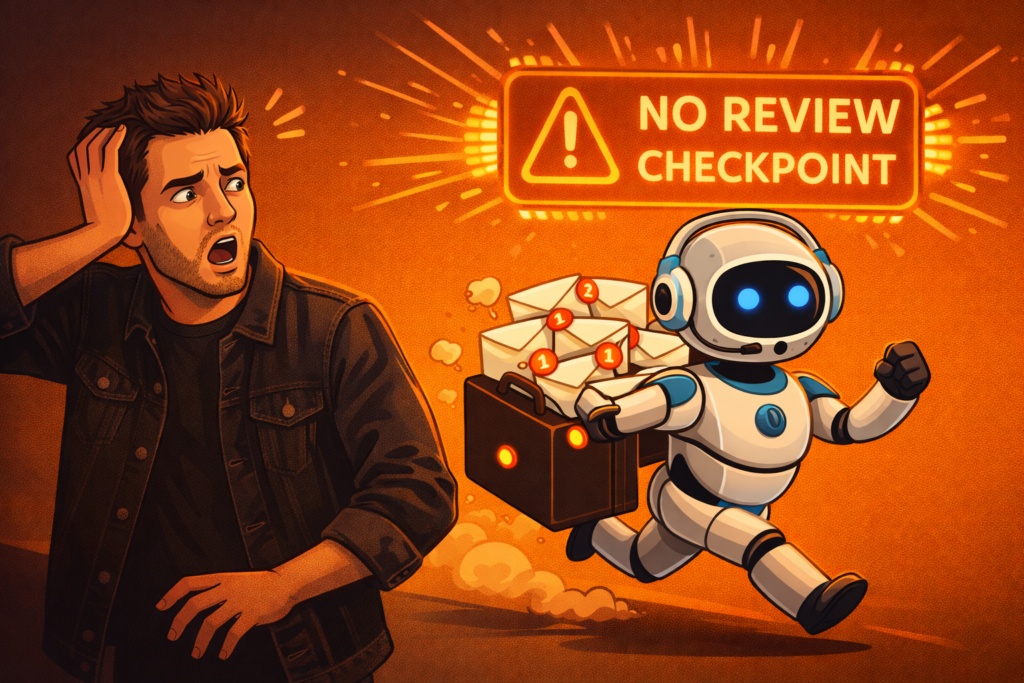
The most common mistake is giving an AI agent too much autonomy too fast. Agents are powerful, but they need clear boundaries, well-defined goals, and regular checkpoints — especially when they’re connected to your email, your CRM, or your publishing tools.
Here are the critical errors to avoid:
- No fallback or review step: Always build a human review checkpoint for any agent that sends communications or publishes content externally. One wrong automated email to a brand partner can do real damage.
- Vague instructions: Agents amplify your clarity — or your vagueness. “Research my competitors” is a poor instruction. “Research the top 10 YouTube creators in the personal finance niche with over 500,000 subscribers, identify their three most-viewed video topics this month, and save the results to this Google Sheet” is a great one.
- Not testing with low-stakes tasks first: Before connecting an agent to your live email or social accounts, test it on dummy data or sandboxed environments. Errors at scale are much harder to undo than errors in testing.
- Ignoring data privacy: Be conscious of what data you’re feeding into third-party AI agents. Client information, contract details, and personal audience data should be handled with care and in compliance with relevant data protection regulations.
- Building too many workflows at once: Pick one workflow to automate first. Master it, refine it, then expand. Five half-built agents deliver less value than one excellent one.
How to Set Up Your First AI Agent Workflow: Step by Step
If you’ve read this far and want to get started today, here is the most practical path forward. This numbered format is designed to be actionable from your first read.
- Identify your most repetitive task. Look at your last five working days and list everything you did more than twice. Pick the task that takes the most time and has the clearest, most repeatable pattern. Research, inbox sorting, and content repurposing are the best starting points for most creators.
- Map the steps of that task manually. Before you automate anything, write out every single step the task requires. If you can’t describe it clearly yourself, no agent will execute it cleanly. A clear manual process is the foundation of a reliable automated one.
- Choose your entry-point tool. For most creators with no technical background, start with Zapier AI or Make. For those comfortable with chat interfaces, start with Claude Projects or ChatGPT’s agent mode. For technically confident creators, n8n gives the most flexibility.
- Write your agent instructions like a brief, not a command. Include: the goal, the context, the tools it can use, the format of the output, and the conditions under which it should stop and ask you for input. More detail here means fewer surprises later.
- Run a test with real but low-stakes data. Execute the workflow once manually while watching every step. Catch errors, refine instructions, and run it again until the output is consistently useful.
- Add a review layer before any external output. If the agent sends emails, publishes posts, or makes changes to shared documents, build in an approval step. A simple “send me a summary and wait for confirmation before proceeding” instruction is enough.
- Measure the time saved after two weeks. Track how long the task took manually versus with the agent. This data motivates continued investment and helps you identify the next workflow worth automating.
Addressing the Fear: “Will AI Agents Replace My Creativity?”
This is the objection I hear most from content creators when AI agents come up — and it deserves a direct, honest answer.
No. AI agents will not replace your creativity. But they will replace creators who refuse to evolve.
Here’s the nuance worth sitting with: an AI agent can research, repurpose, schedule, and distribute your content — but it cannot replace your lived experience, your perspective, your relationships, or your original ideas. Those are the things your audience follows you for.
What agents do replace is the operational layer — the logistics of content creation that consumes time and mental energy you could be spending on the creative work itself.
The creators who are thriving in 2026 are not less creative because they use agents. They’re more creative — because they’ve freed up hours every week that were previously lost to admin, research, and repetitive tasks. This works for most people, but the transition requires willingness to learn new tools and rethink how you structure your workday.
Conclusion
Let’s close with the three things that matter most from everything you’ve just read.
First, agentic AI is not a future concept — it is an active, accessible toolkit that creators are using right now to save dozens of hours per month. Knowing how to use AI agents at work is one of the most practical skills you can develop in 2026. Second, you don’t need to be technical to start. The best entry-point tools — Zapier AI, Make, and Claude Projects — are built for non-developers. Your ability to communicate clearly and define your workflows is the real skill. Third, the biggest risk is not moving too fast with AI agents. It’s waiting too long while your competitors build systems you’ll spend the next year trying to catch up to.
Your action right now: Open Zapier or Make, pick your single most repetitive weekly task, and spend 45 minutes building your first automated workflow. You don’t need it to be perfect. You need it to exist. Start there, and everything else will follow.

Frequently Asked Questions
What is agentic AI in simple terms? Agentic AI is an AI system that can plan, make decisions, and take actions across multiple steps without needing a human to guide each one. Unlike a standard chatbot, an AI agent sets sub-goals, uses tools like web search or file editors, and works toward a defined outcome autonomously — checking in only when it needs input.
How is agentic AI different from generative AI? Generative AI produces a single output from a single prompt — like writing a blog post or generating an image. Agentic AI executes multi-step workflows independently, using tools and making decisions along the way. Generative AI makes you faster at tasks. Agentic AI removes entire categories of tasks from your workflow.
What are the best agentic AI examples for content creators in 2026? The most practical agentic AI examples for creators include automated research briefings, multi-platform content repurposing, inbox management, SEO pipeline automation, and competitive intelligence monitoring. Tools like Claude Projects, n8n, Zapier AI, and Make power these workflows with minimal technical setup.
Is it safe to let AI agents manage my email or social media? It can be, with the right guardrails. Always build a human review step before any agent sends external communications or publishes content. Test thoroughly on low-stakes tasks before connecting agents to live accounts. Be mindful of what data you share with third-party platforms and review their data privacy policies.
How long does it take to set up a working AI agent workflow? A simple workflow — like a daily research brief or a content repurposing pipeline — can be set up in one to three hours using no-code tools like Zapier or Make. More complex, multi-step workflows with custom integrations may take a day or two to build and refine. Most creators see a positive time return within the first week of use.